Write
An editor that stays out of the way.
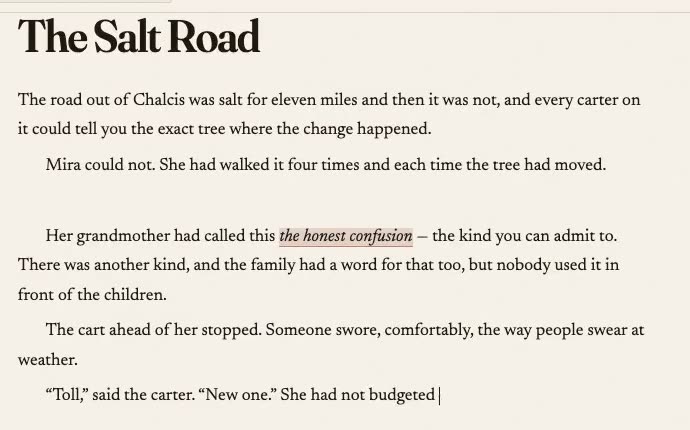
Chapters, scene breaks, notes and research beside the manuscript. Everything is plain text in a folder you can open, so nothing here needs Strata to be readable in ten years.
Writing tools remember what you wrote.
This one remembers that you wrote it.
In development, in the open. If you write book-length work — fiction, a dissertation, long nonfiction — leave an address and we’ll tell you when there is something to run.
Two kinds of mail, both rare: a build worth trying, and the day it ships. Your address is used for that and nothing else — not sold, not shared, not analysed. Ask and it is deleted.
macOS today. Windows and Linux are intended, and honestly cannot be promised yet — this is written on one machine and a build nobody has launched is not a supported platform. The checklist says where each one stands.
Would rather not hand over an address? Reasonable, given what this is for. The checklist is updated as things land, and needs nothing from you to read.
Strata is built by the Greenfield Override, alongside DAON — the provenance specification underneath it. There is nothing to buy yet; if you want to help the work exist in the meantime, there is a Ko-fi.
Chapters, scene breaks, notes and research beside the manuscript. Everything is plain text in a folder you can open, so nothing here needs Strata to be readable in ten years.
Saving happens on its own. Marking a state is you saying this is the version — the one you sent to an agent, the draft you finished at 2am. Only the ones you mark become part of the record.
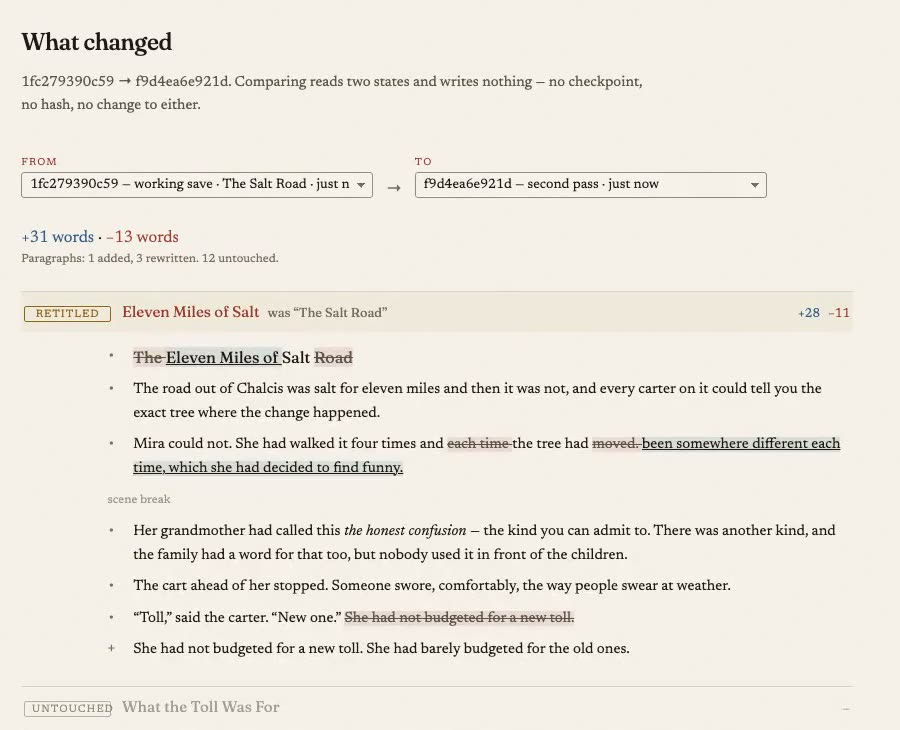
Not four thousand lines of red and green. It opens on which chapters moved, which were rewritten and which you never touched — then shows you the words, in the one chapter you ask about.
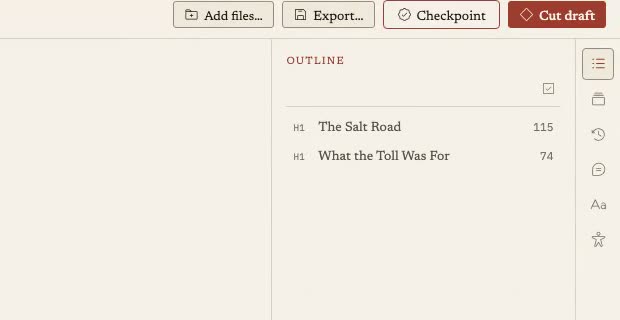
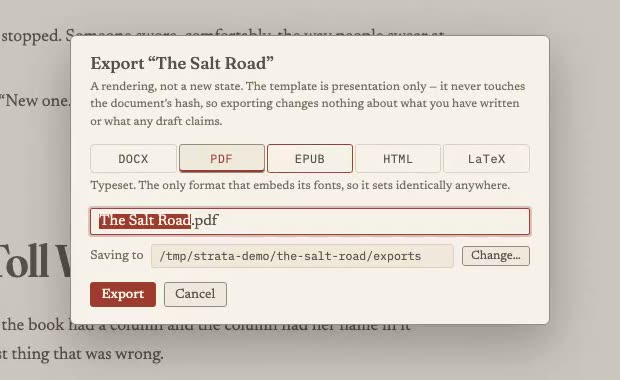
DOCX for an agent, PDF for a reader, EPUB, HTML, or LaTeX for a journal — a whole book or the three chapters you selected. Exporting changes nothing about your file or your record.
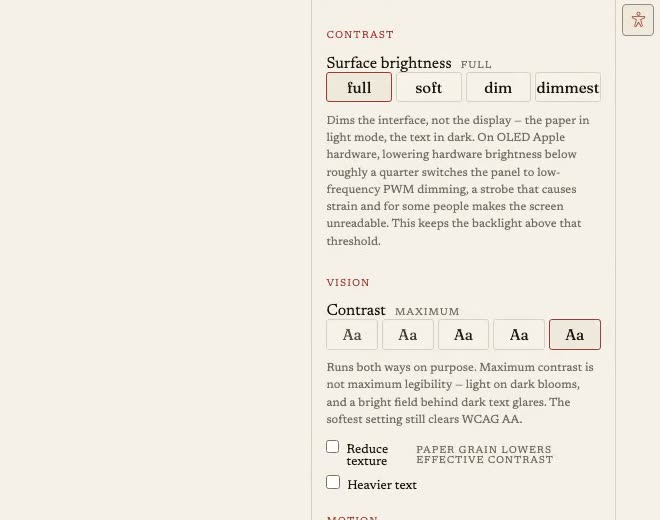
Contrast that runs both ways — maximum contrast is not maximum legibility for everyone. Larger targets, reduced motion, and paper grain you can switch off because it lowers effective contrast.
Pictures carry descriptions, and export tells you when one is missing rather than passing over it in silence.